Features
Everything in KopiaLens
Back up, restore and see inside your backups. Everything here is free, except the tools that remove data from inside old backups, which are Pro.
Dashboard
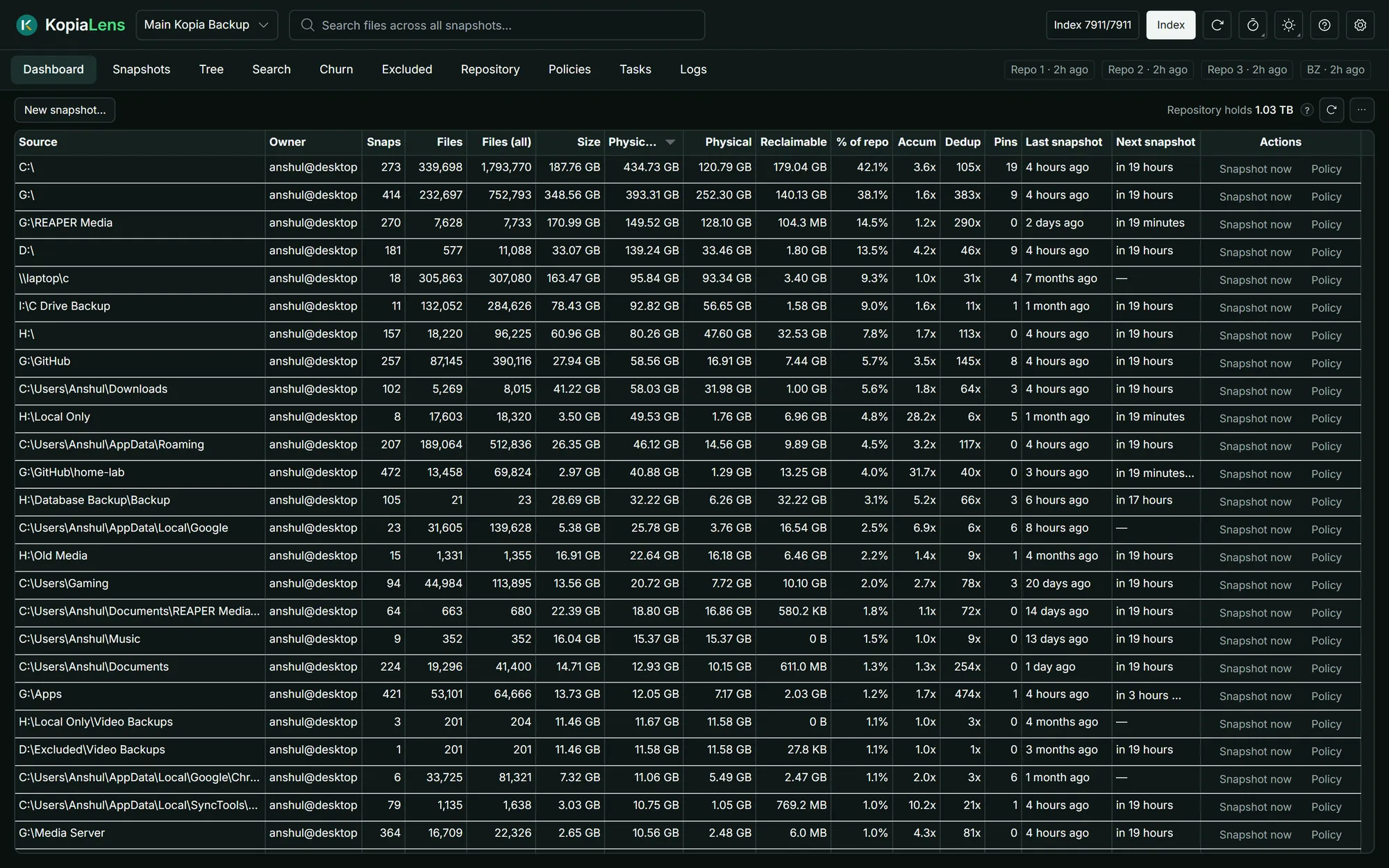
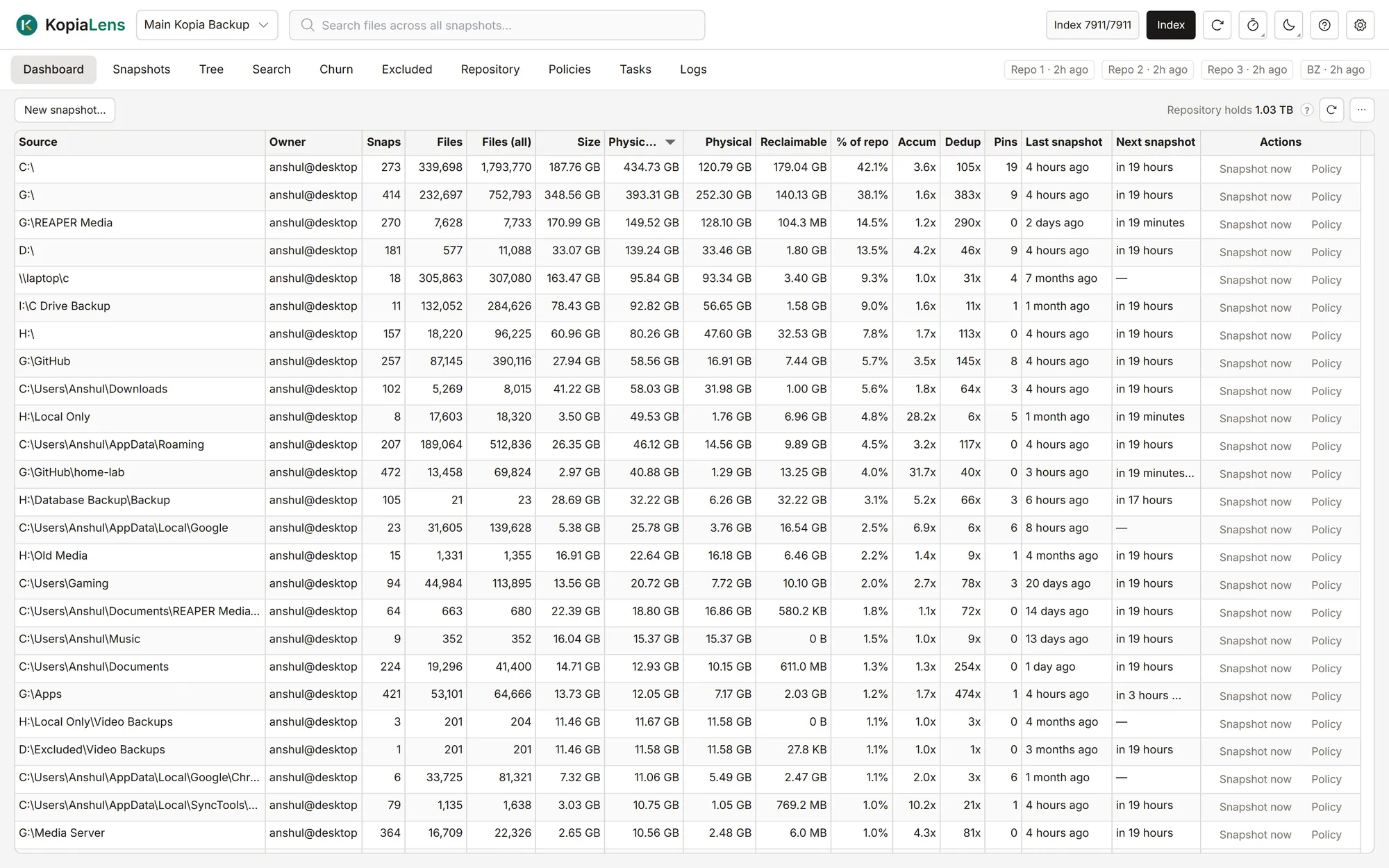
See where the space goes
Every folder you back up, with the space it really takes after deduplication and how much you'd get back by deleting its snapshots.
- The real size of every folder, and its share of the repository
- File counts and the latest snapshot at a glance
- Double-click a folder to look inside
Tasks
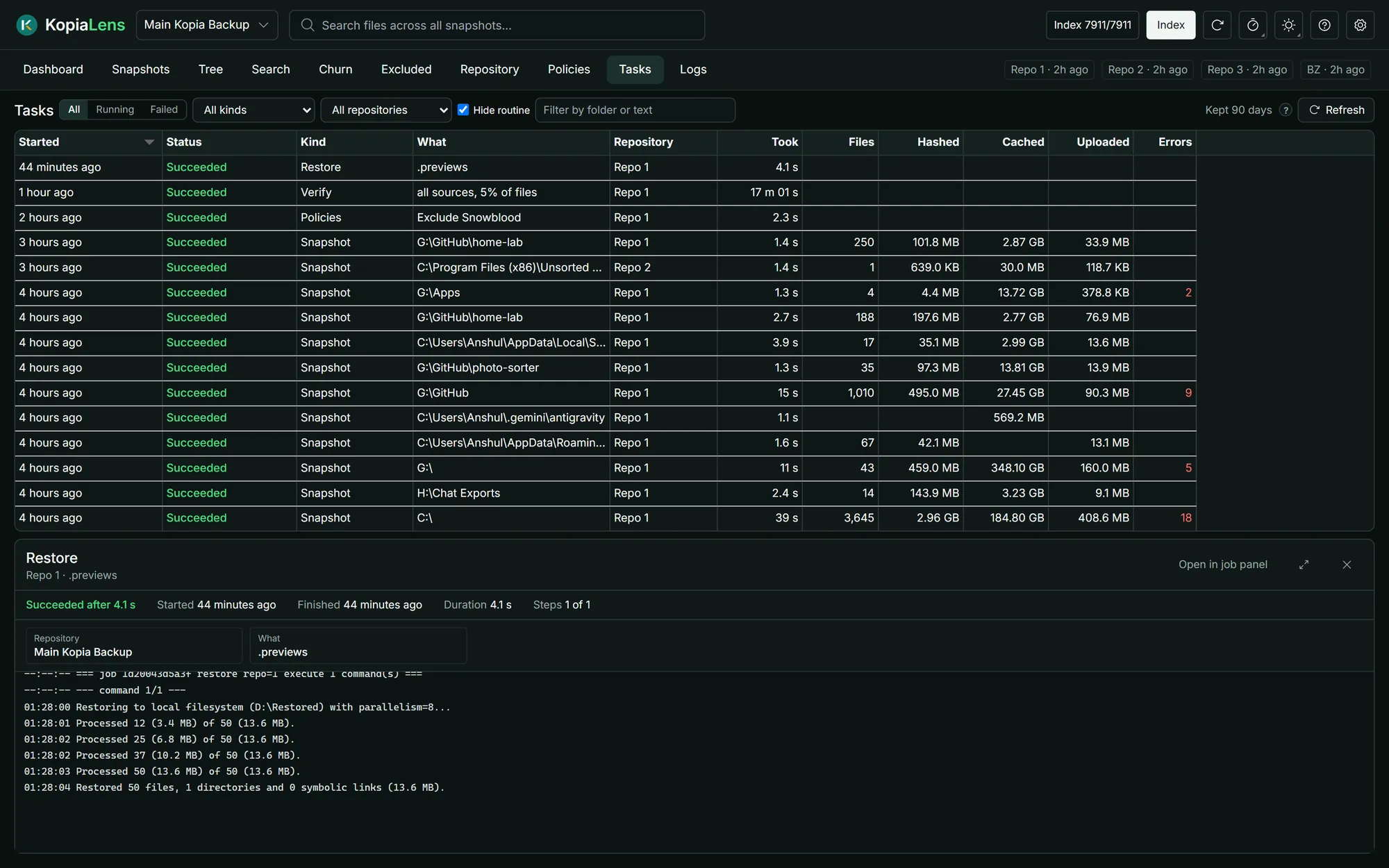
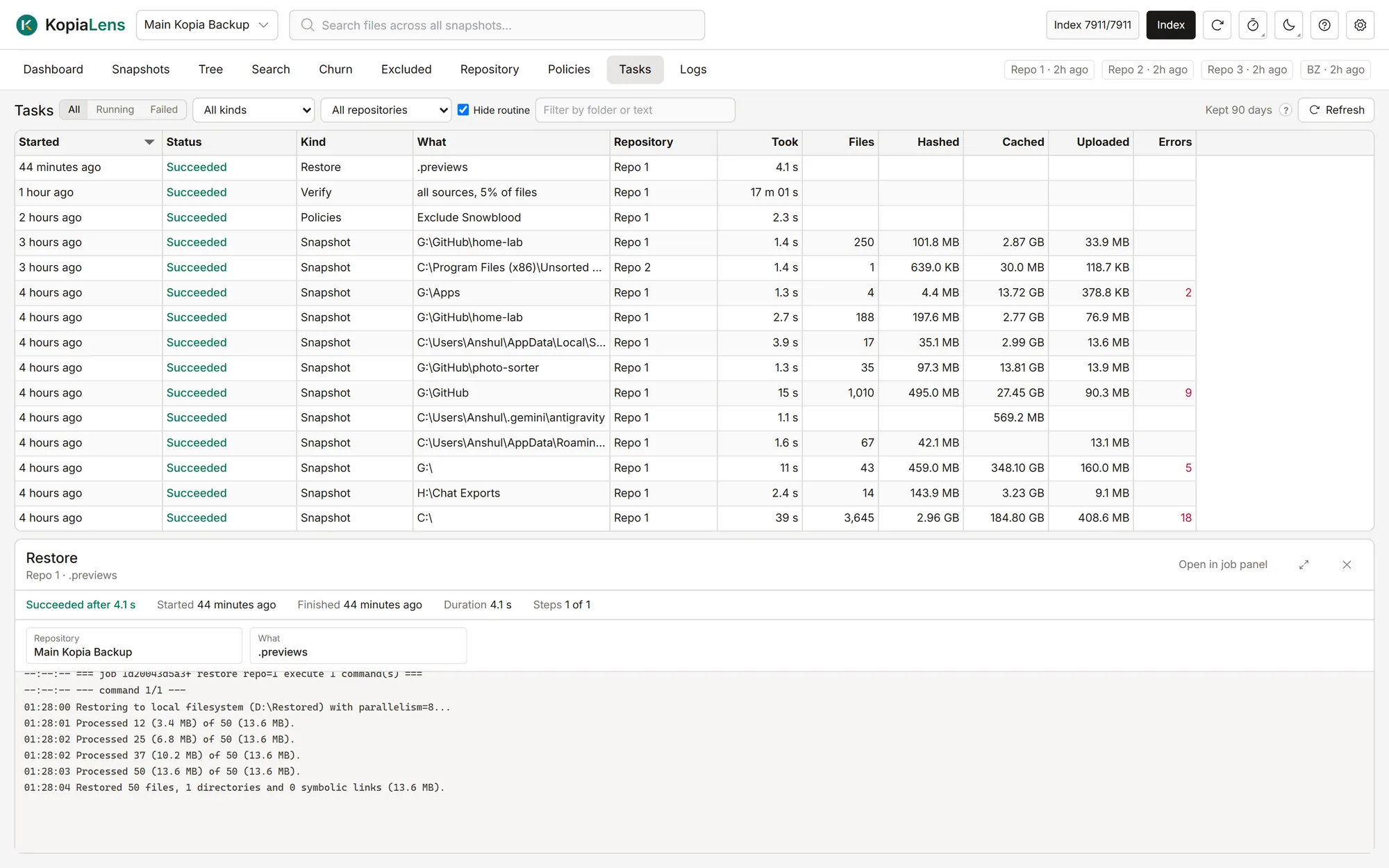
Backups that run on their own
KopiaLens takes each folder's backups on its schedule, retries the ones that fail, and keeps a record of every backup and maintenance run.
- Back up a new folder, or any folder right now
- Pause backups for an hour, a week, or until you resume
- Get an alert when a backup fails
Search
Find and restore any file
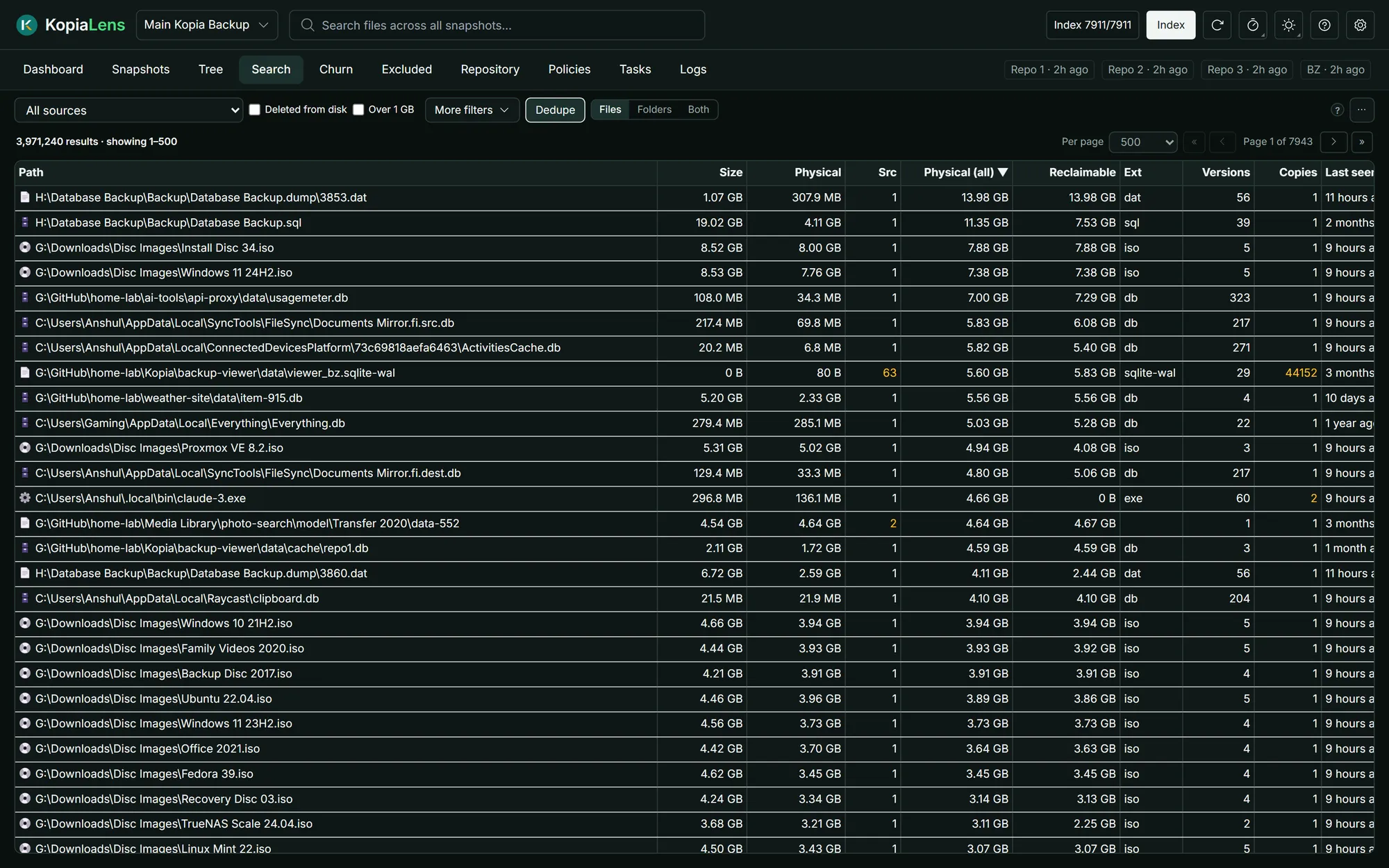
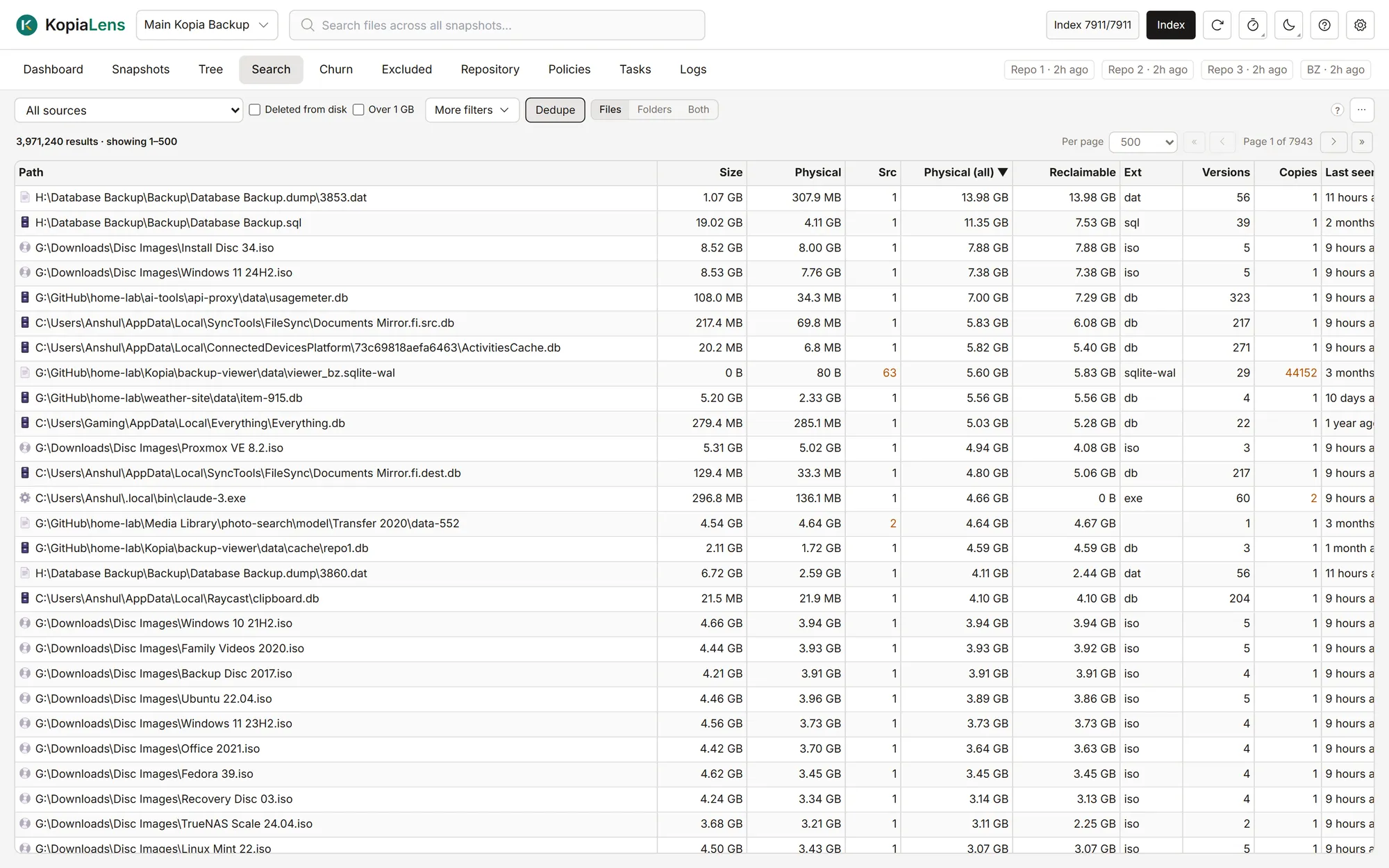
Search every snapshot and repository at once, including files you've since deleted. Each result shows how many versions you keep and the space they take.
- One search across millions of file versions
- Filter by type, size, age, or files deleted from disk
- Restore, exclude or delete straight from the results
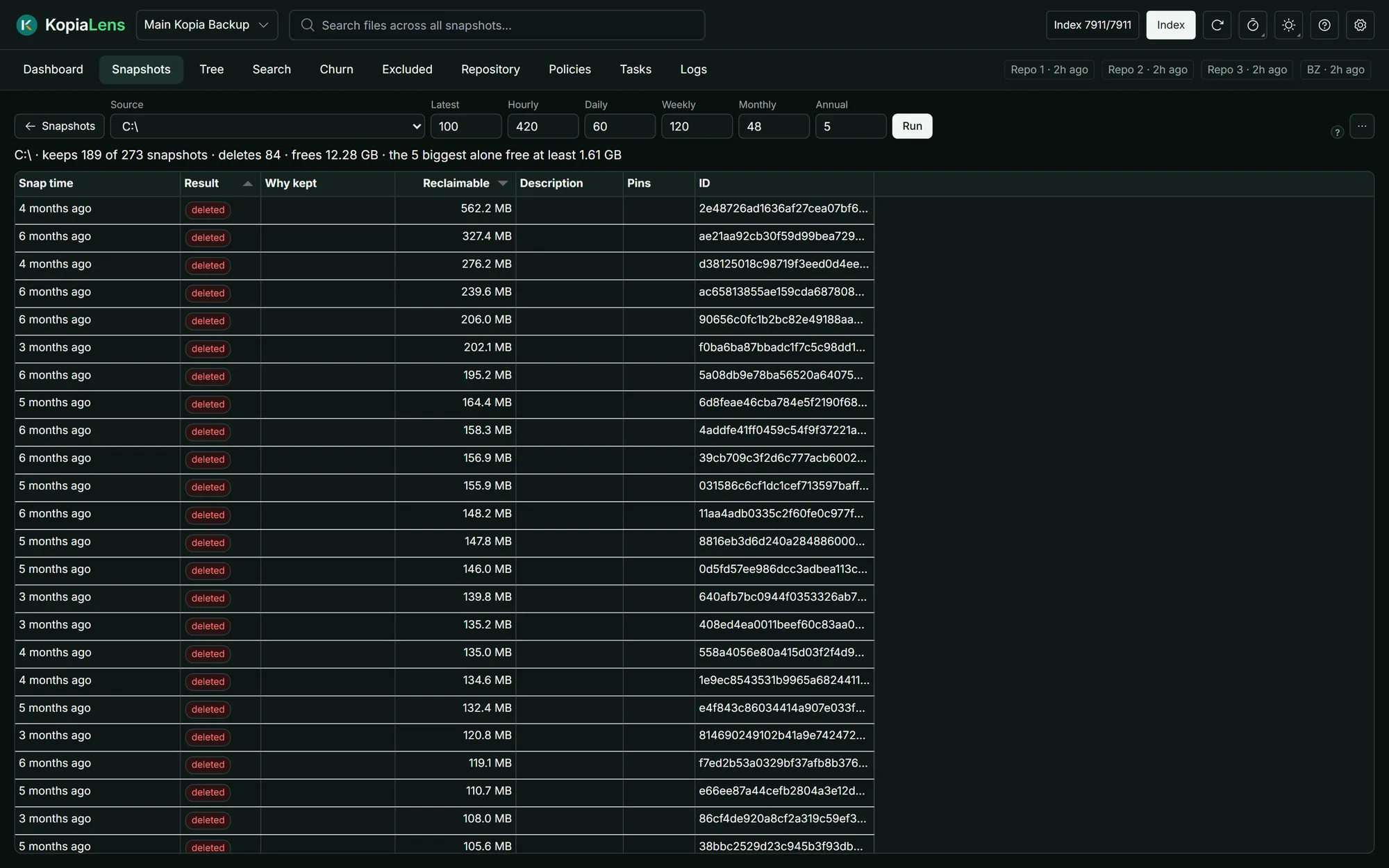
Snapshots
Find the snapshots that cost the most
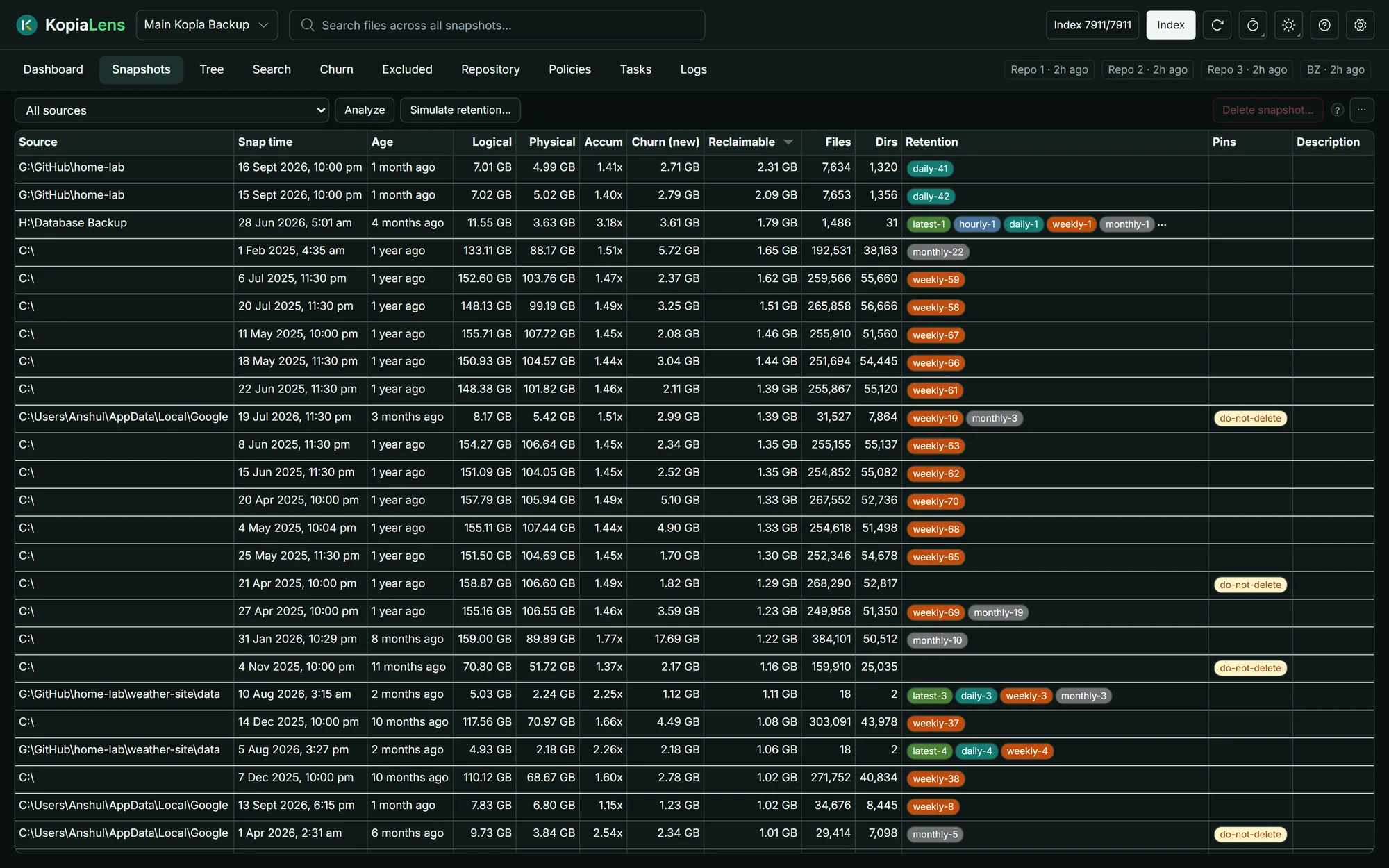
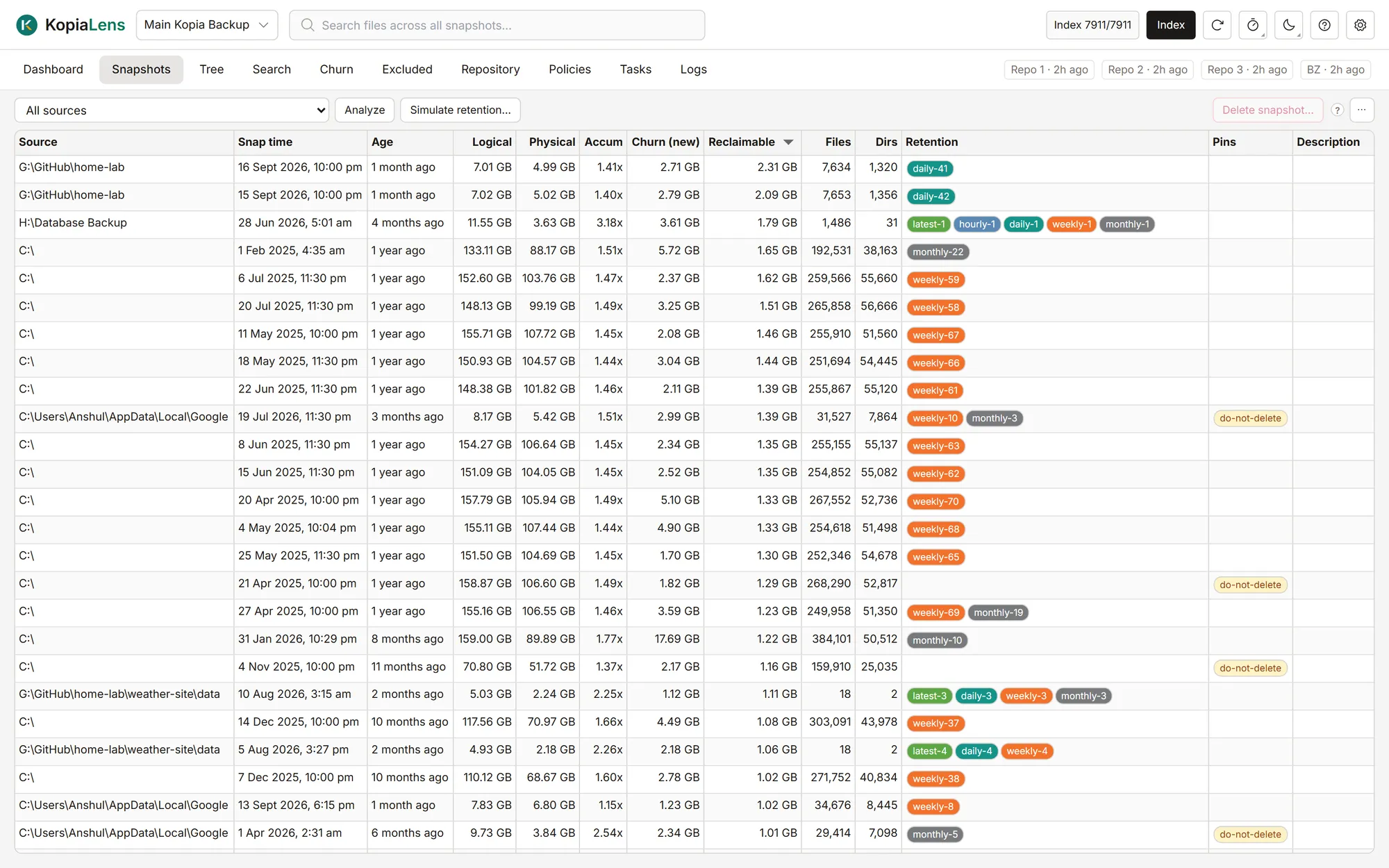
Every snapshot with its size, the new data it added, and how much deleting it would free. The retention rule that keeps each one sits next to it.
- Sort by the space you'd get back
- See which retention rule keeps each snapshot
- Delete the snapshots you pick, free in every edition
Tree
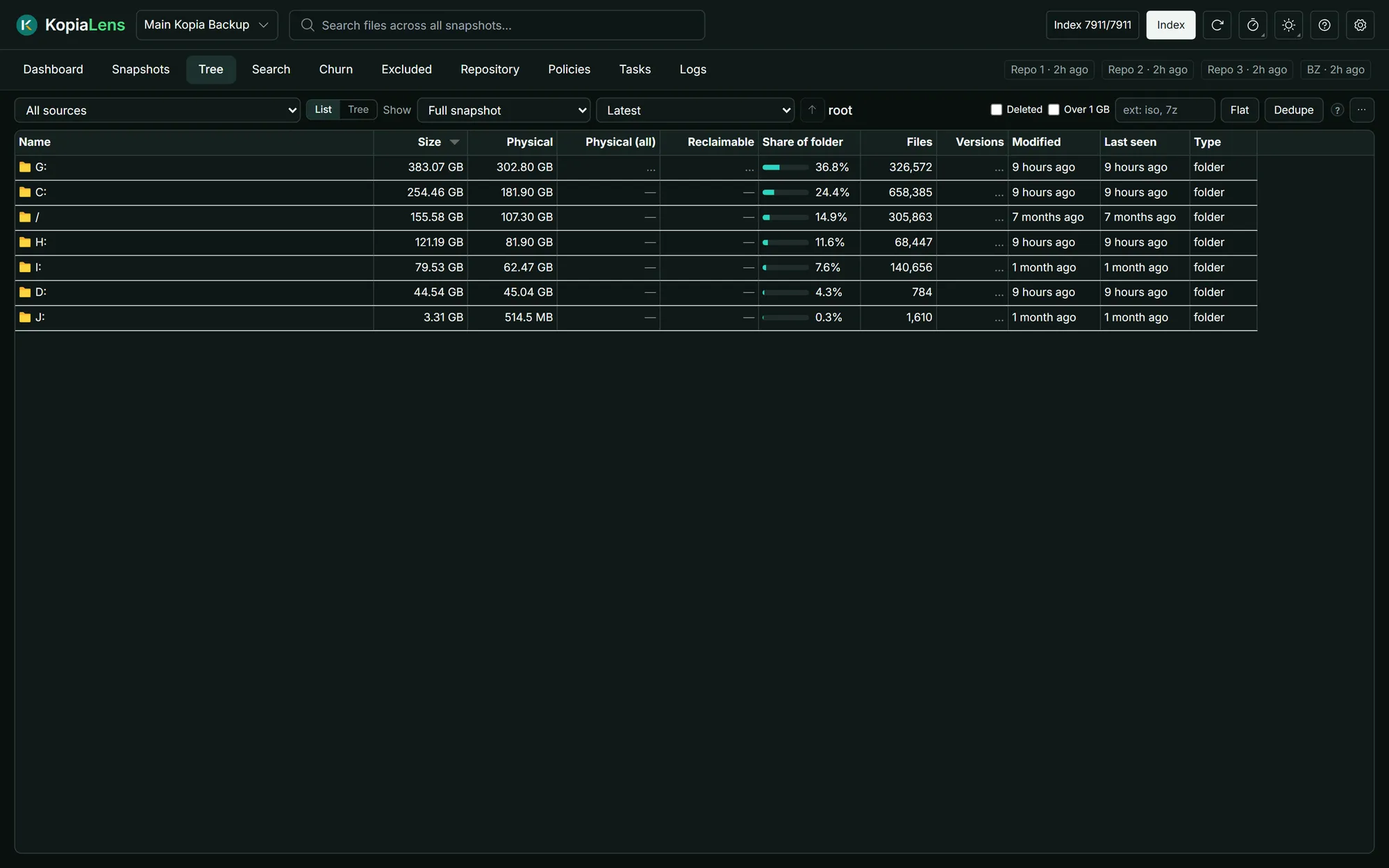
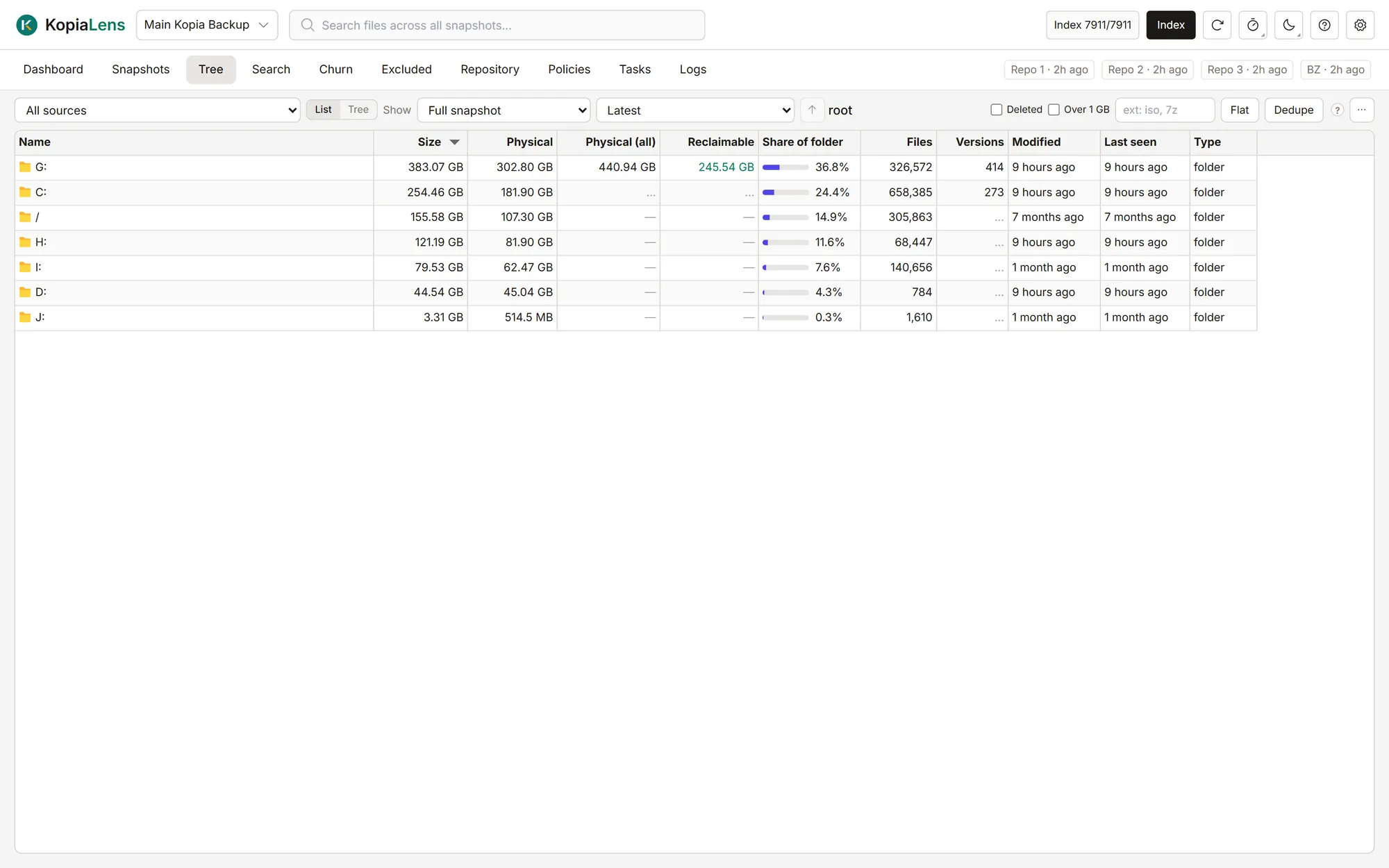
Browse any snapshot like a disk
A folder tree for any snapshot, with sizes, file counts and dates. Show the real size after deduplication, filter to files over 1 GB, and act on any folder.
- Size on disk and real size side by side
- Mount a snapshot and browse it in your file manager
- Restore, exclude or delete from the same place
Churn
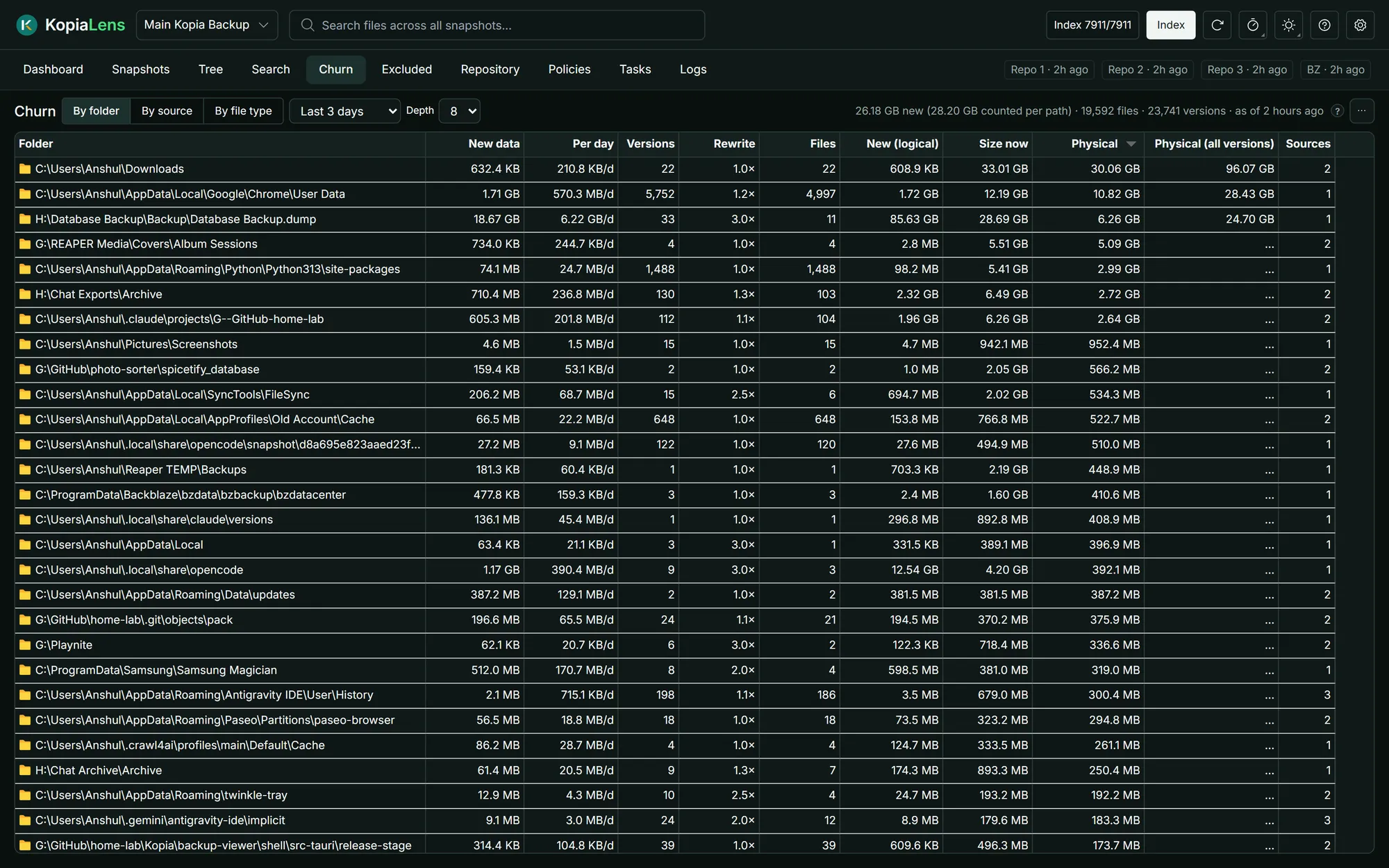
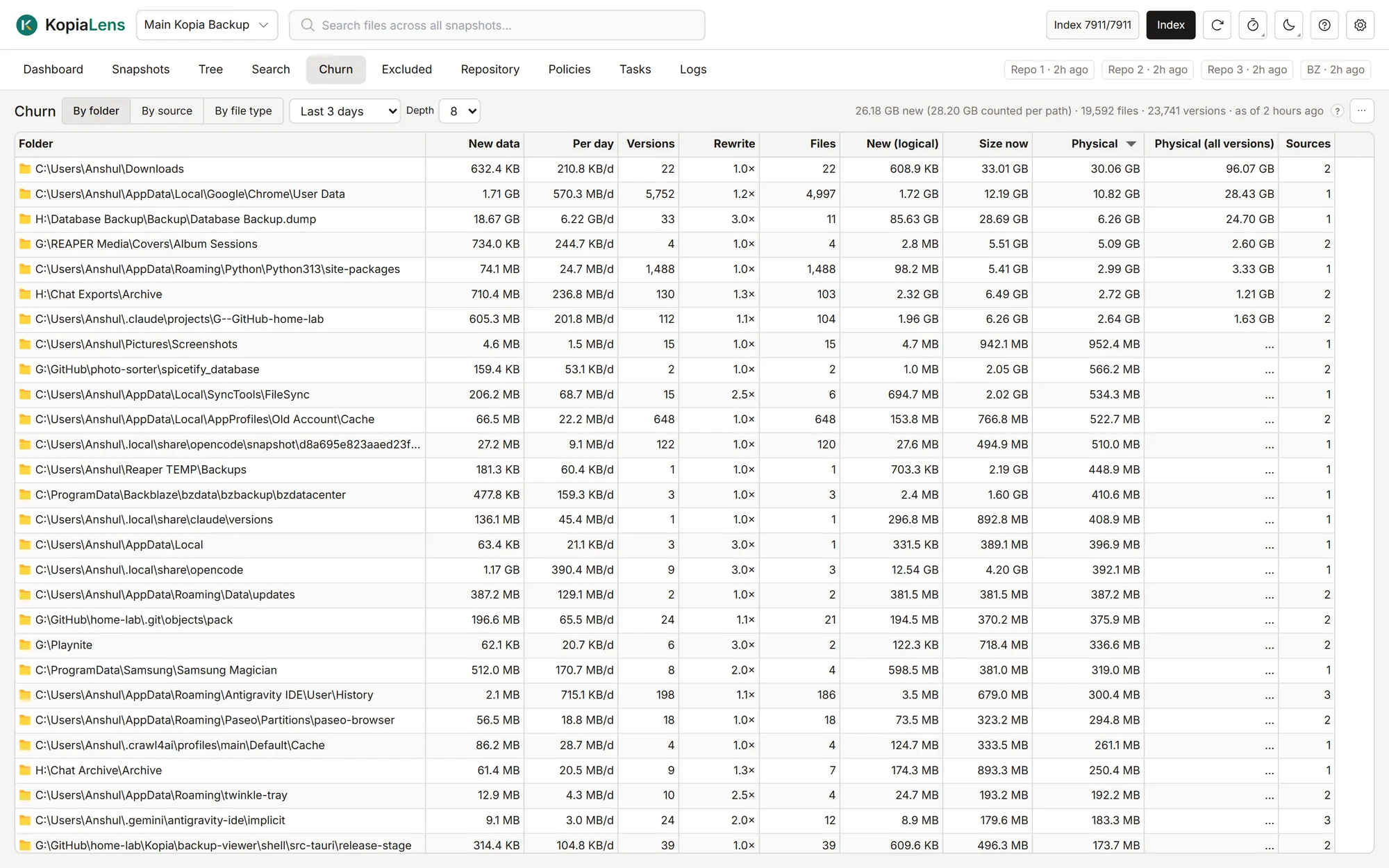
Catch the folders that grow every night
See how much new data each folder adds per day and which files are saved over and over. Caches, databases and virtual disks show up at the top.
- New data per folder, per file type or per source
- Spot files that change on every backup
- Pick the time window and how deep to look
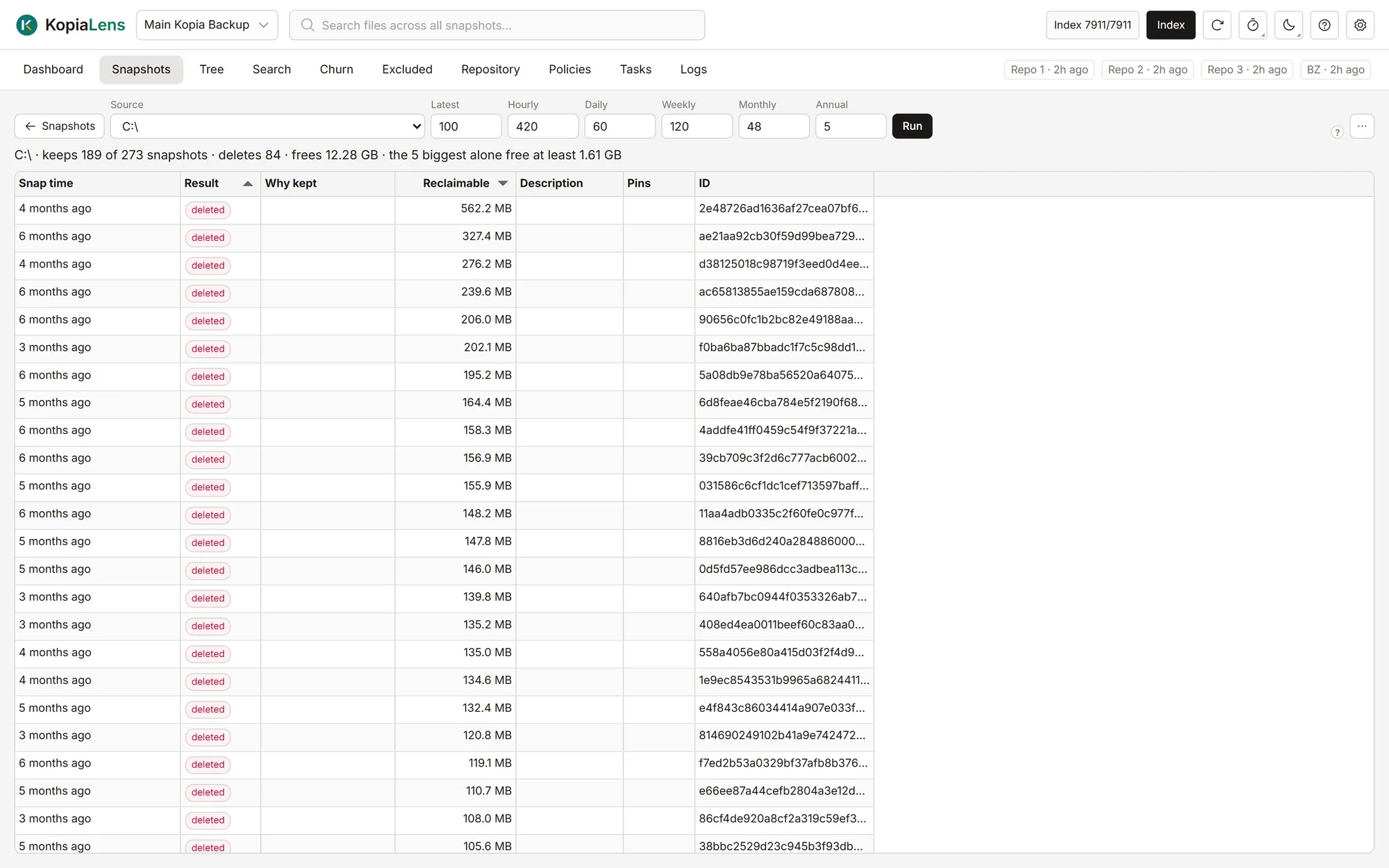
Simulate
Try a retention policy before you use it
Enter how many hourly, daily, weekly, monthly and yearly snapshots to keep, and see what that policy would delete and free.
- Compare policies without touching a snapshot
- For one folder or the whole repository
- Export the result as CSV
Policies
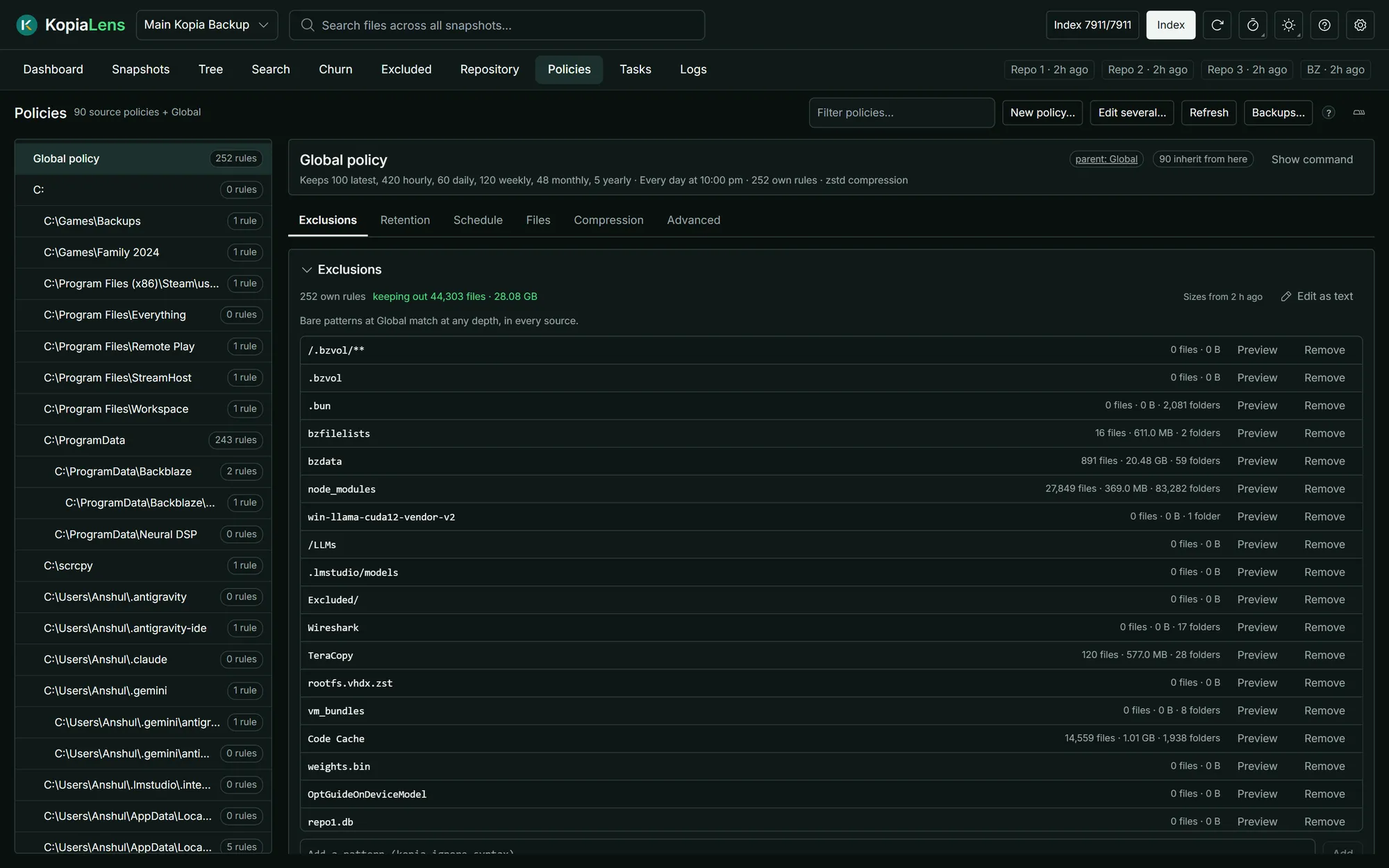
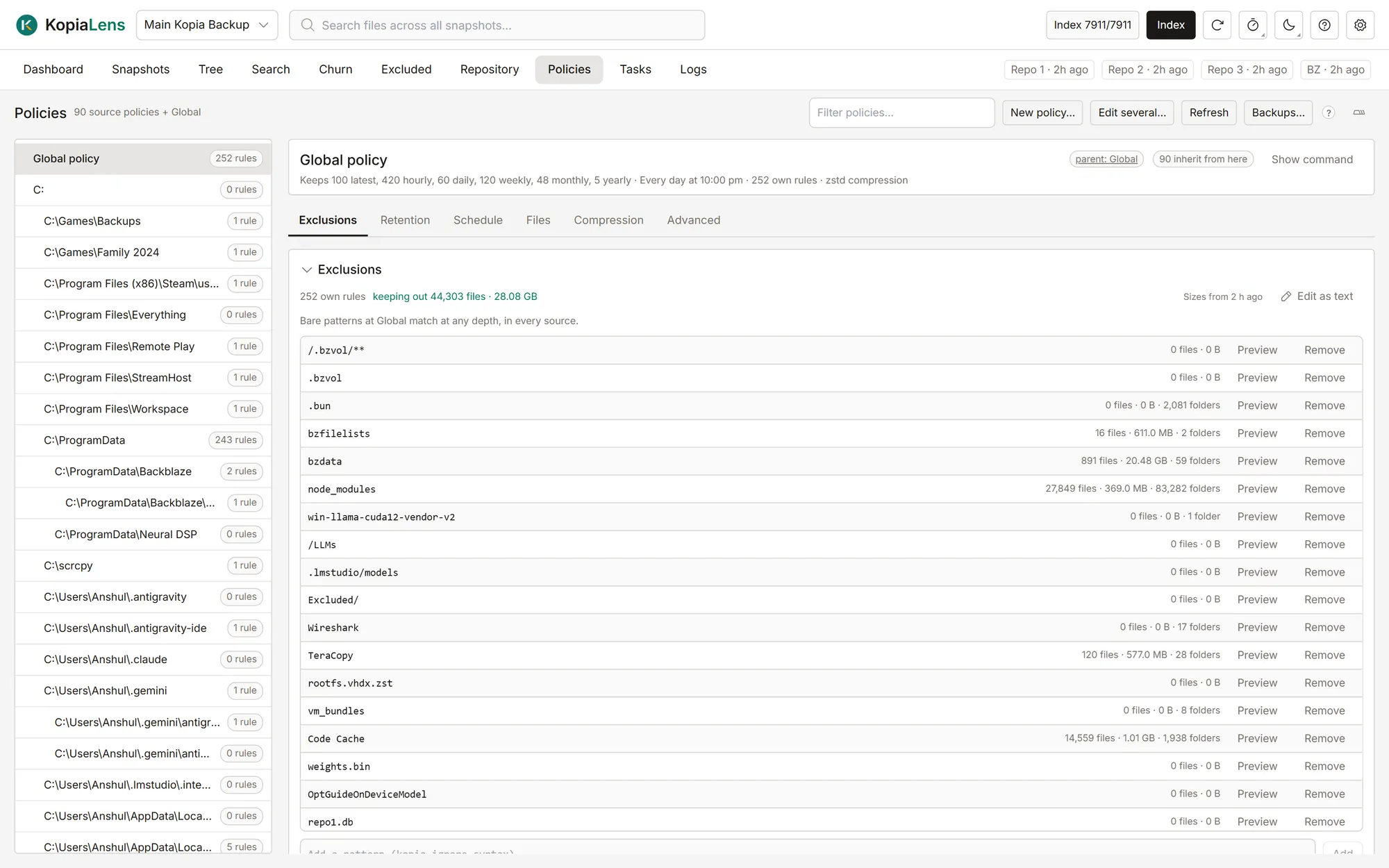
Exclusions that do what you meant
Every policy in one tree, with what each folder inherits. Edit schedules, retention and exclusion rules, and preview what a rule matches before you save it.
- See which rules a folder inherits, and which it replaces
- Preview the files a rule matches and the space it saves
- Exclude & delete removes copies already in your backups (Pro)
Repository
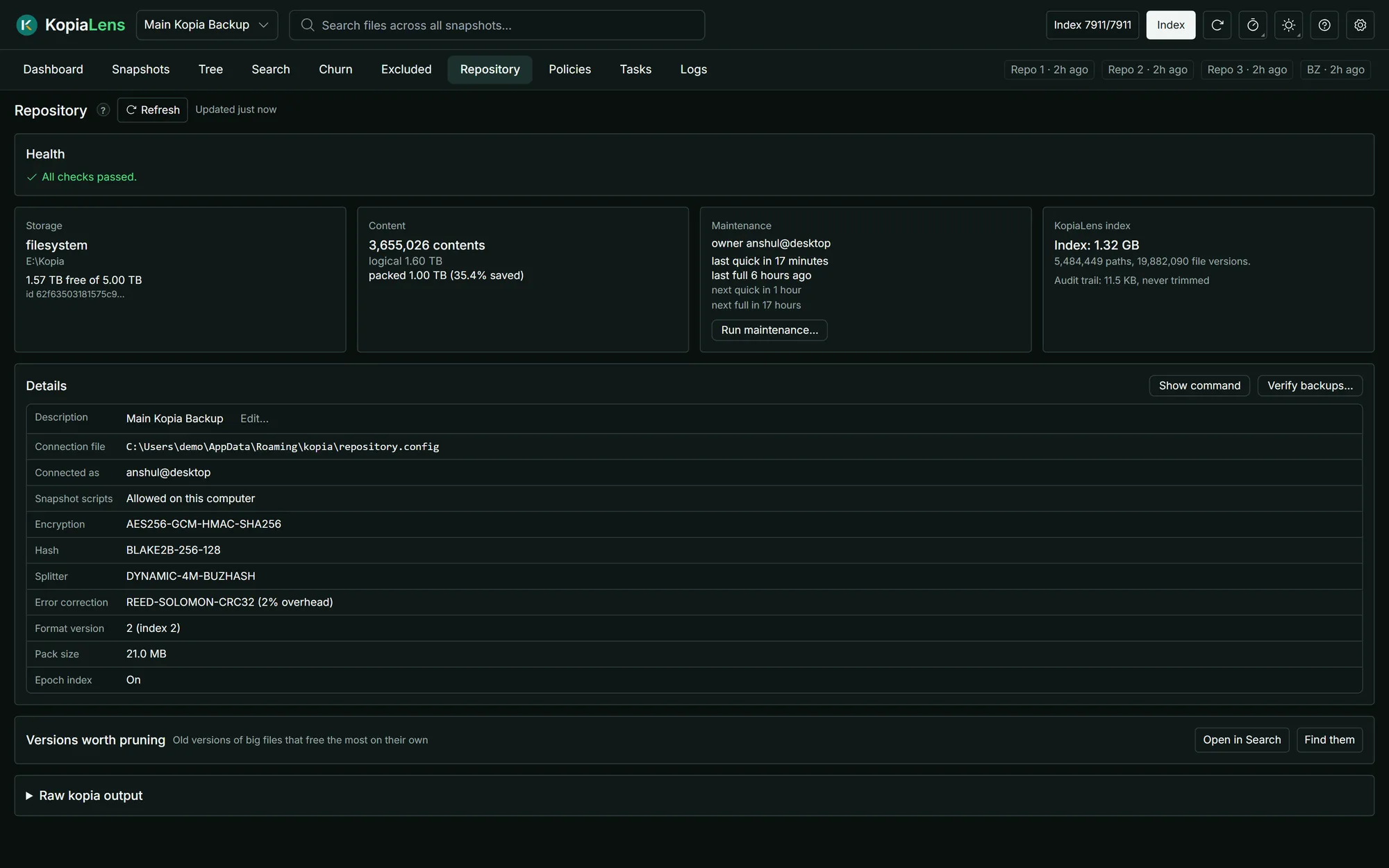
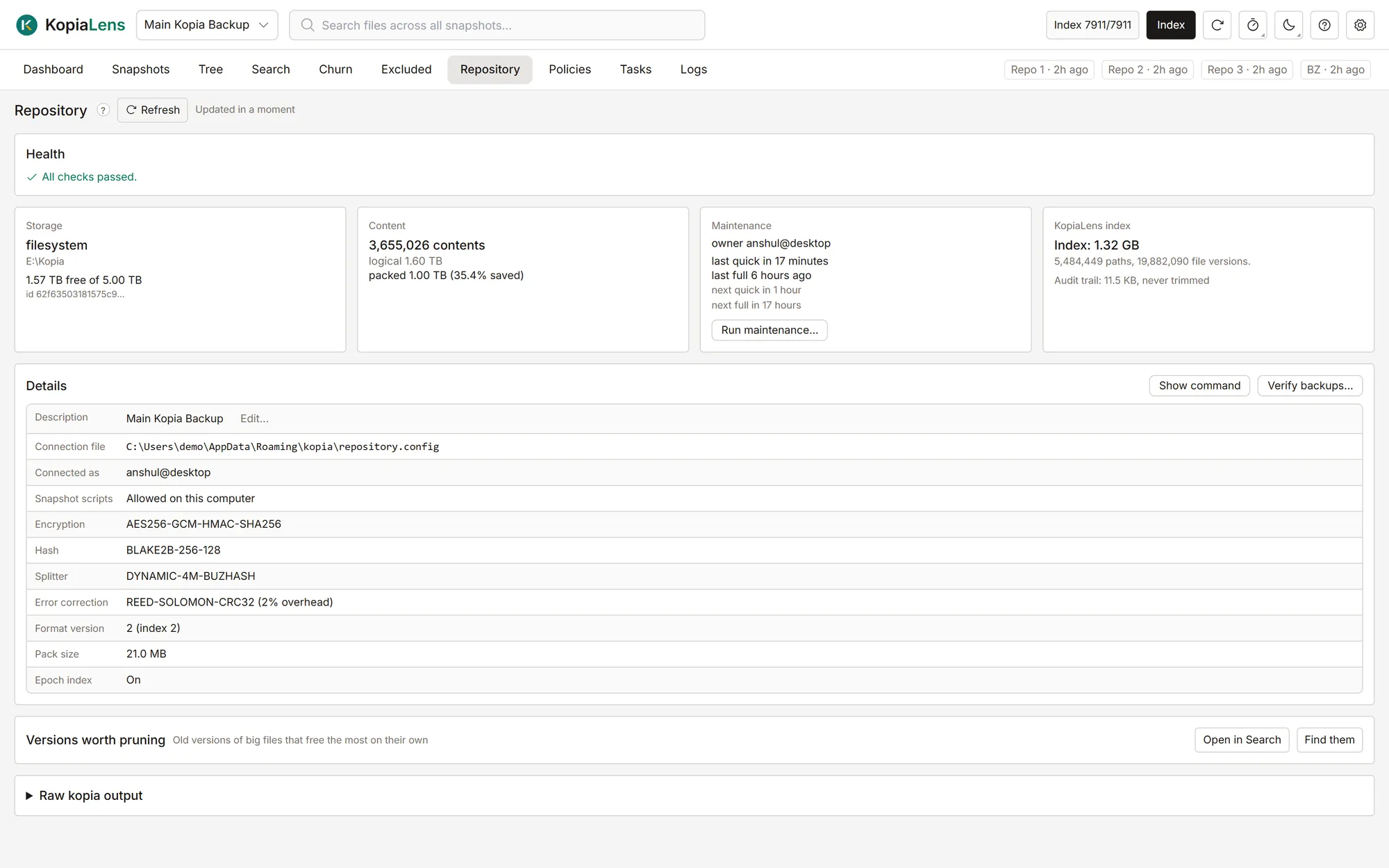
Repository health in one place
Storage, compression savings and the maintenance schedule, with health checks, a backup check, and the old versions of big files worth pruning.
- Run maintenance from the app
- Verify that your backups can be read
- Spot old versions that free the most on their own
Excluded
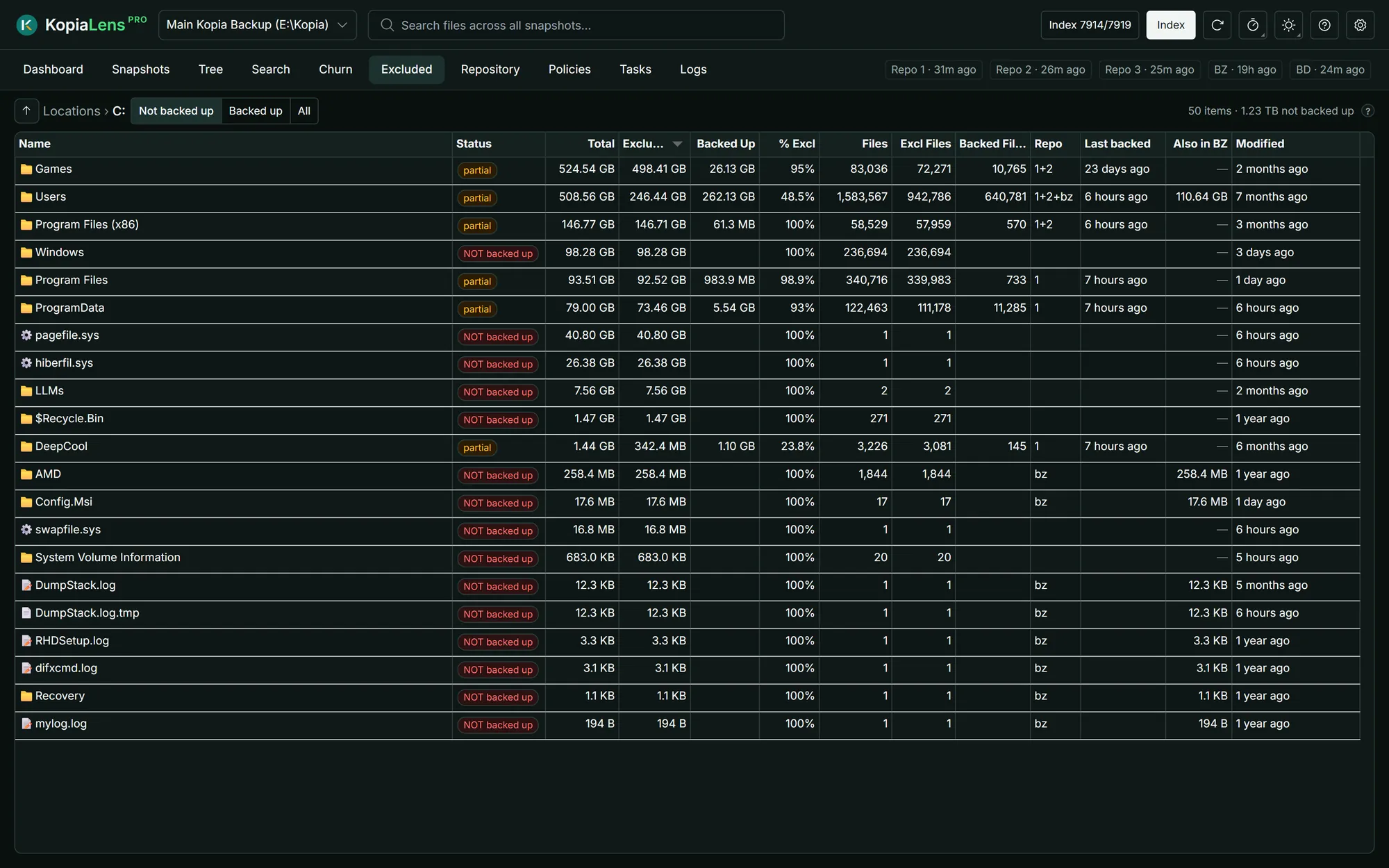
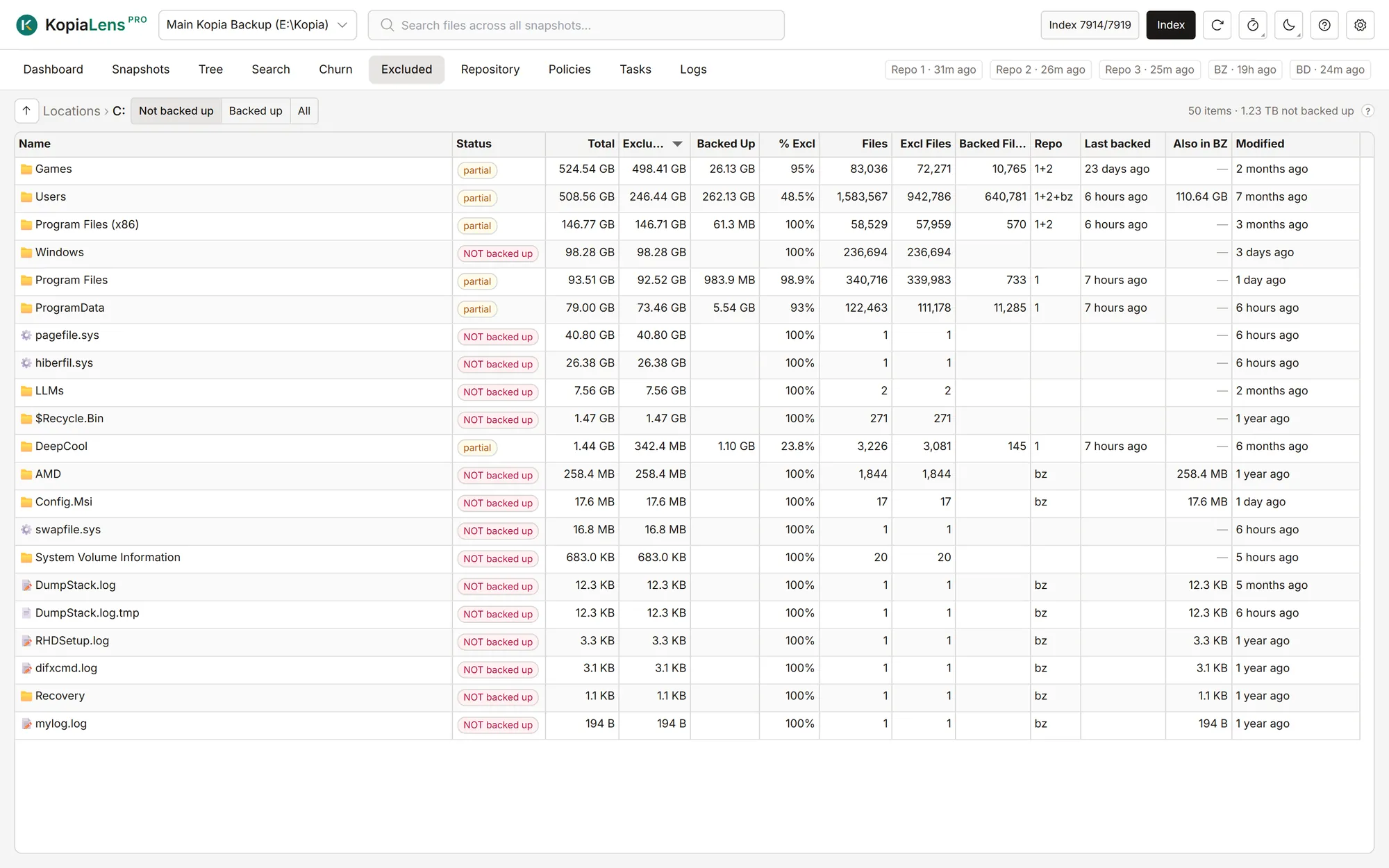
Check what isn't backed up
Compare the folders on your disks with what your snapshots hold. See what's backed up, what's excluded and what was missed, with sizes.
- Not backed up, backed up, or everything
- Sizes from the disk and from your snapshots side by side
- Folders that Backblaze also keeps are marked
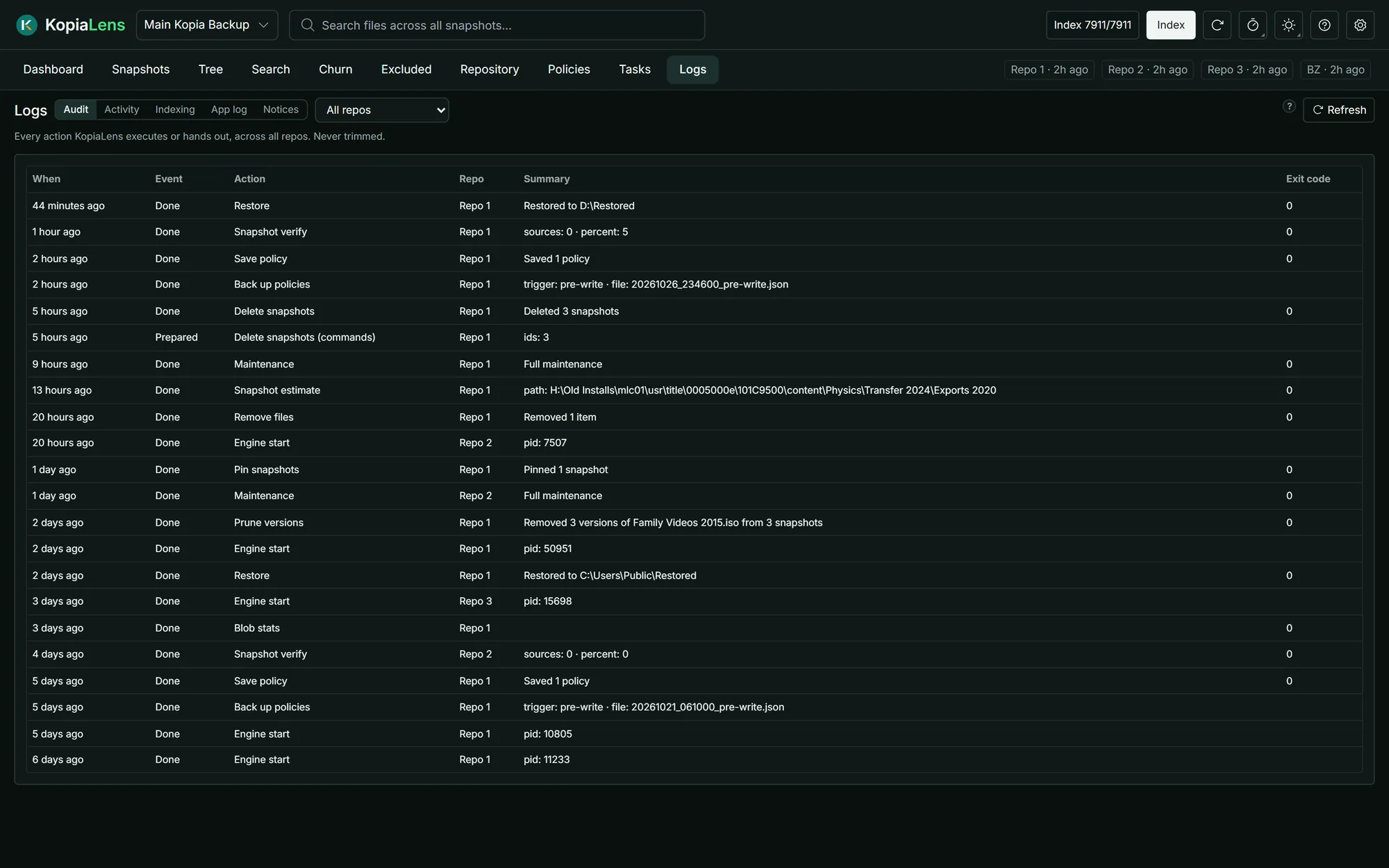
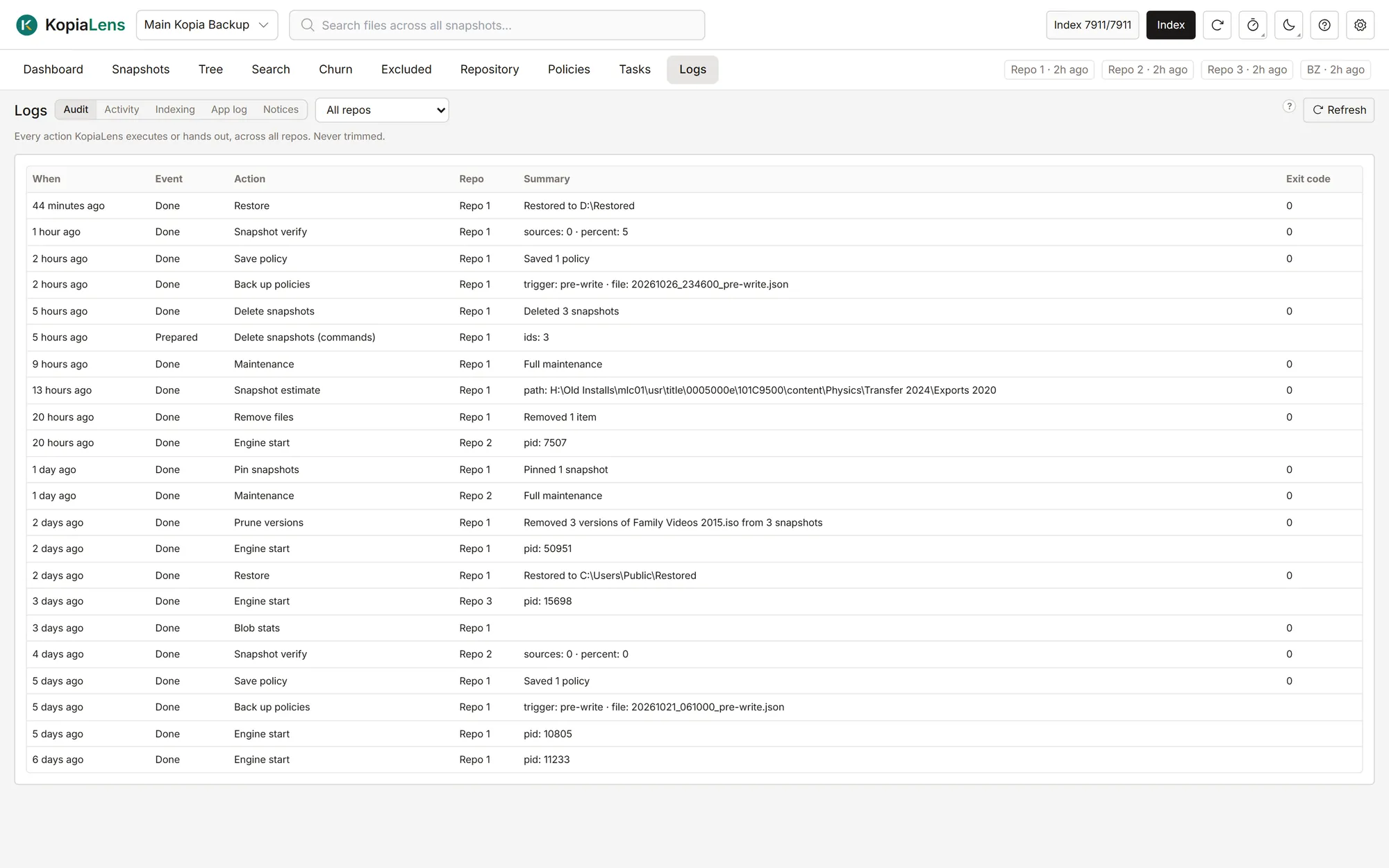
Logs
A record of every change
The audit log keeps every action KopiaLens ran or prepared: deletes, restores, policy changes and more, with the time and kopia's result.
- Every action, in every repository, never trimmed
- Past jobs and every index run
- Actions by AI agents carry the token's name
Backblaze
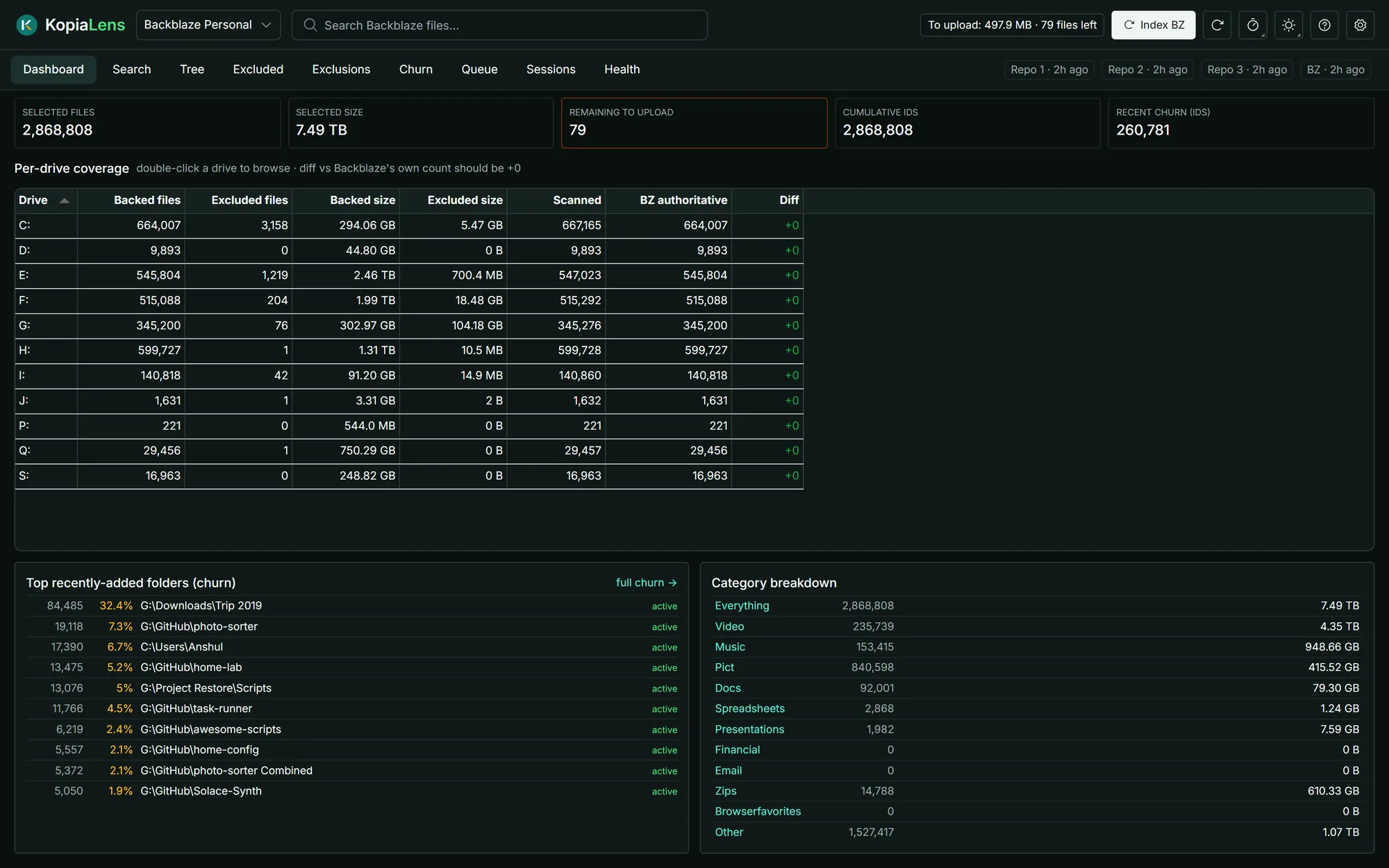
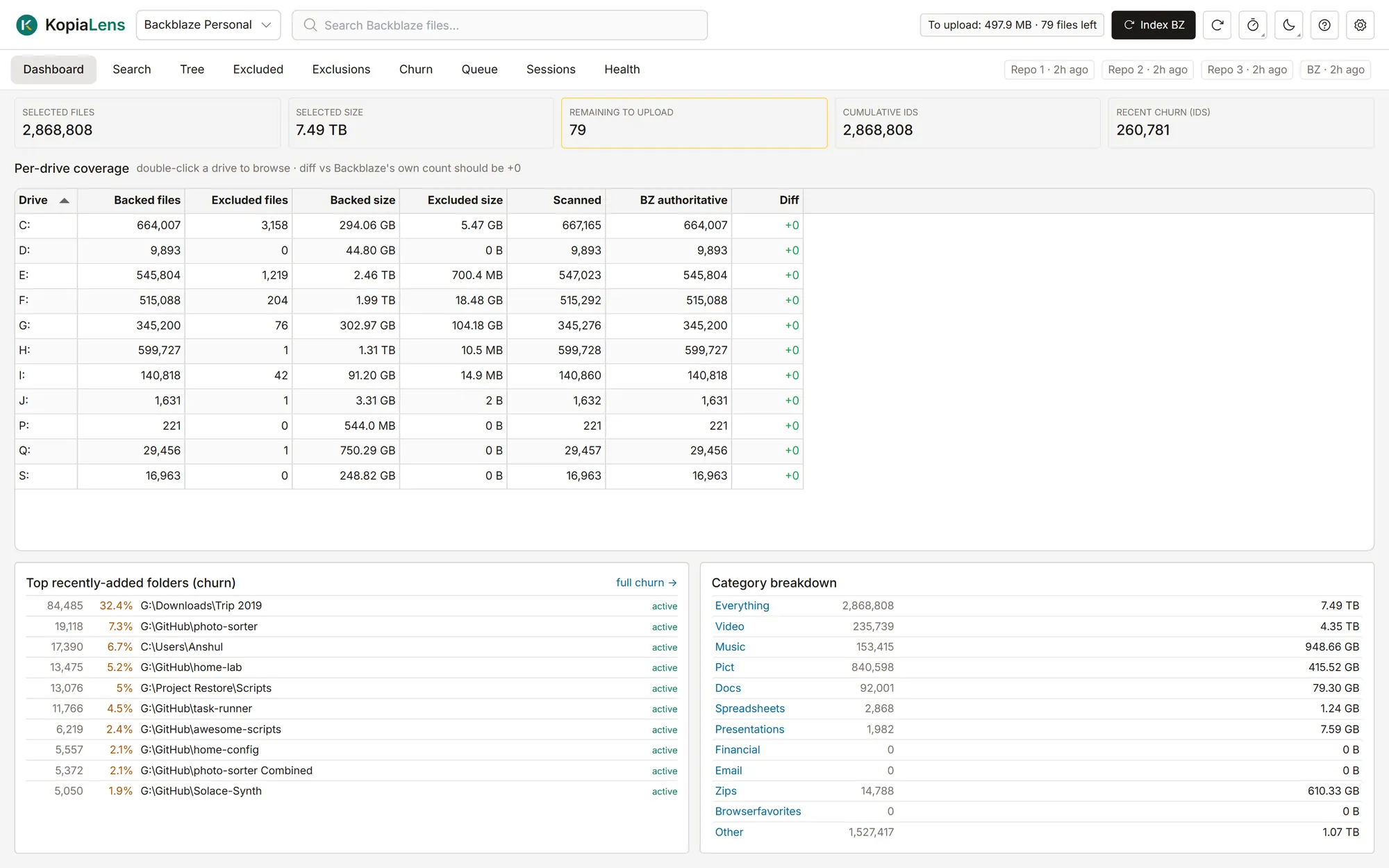
See inside Backblaze Personal Backup too
On Windows, KopiaLens reads what Backblaze Personal Backup keeps on the same computer and shows it next to your Kopia backups. It never changes anything in Backblaze.
- Search every path Backblaze knows, backed up or excluded
- See what Backblaze leaves out, and what Kopia keeps instead
- Upload queue, sessions and health checks, free
See it on your own repository
Download KopiaLens free. Open the repository you have, or start a new one.
Download KopiaLens